
Suporte a Cartões 3DS na Página de Cadastro de Afiliados
Troubleshoot 3D Secure (3DS) Card Authentication During Trial Signup
Some banks require3D Secure (3DS)authentication (often an OTP) to verify cards online. This is common for cards issued in India. If your trial signup fails during payment, use the 3DS-supported signup flow below and complete the authentication step.
Use the 3DS-supported signup link
1. Open:https://affiliates.gohighlevel.com
2. Start your trial signup and enter your card details.
3. If prompted, complete your bank’s3DS/OTP authentication.
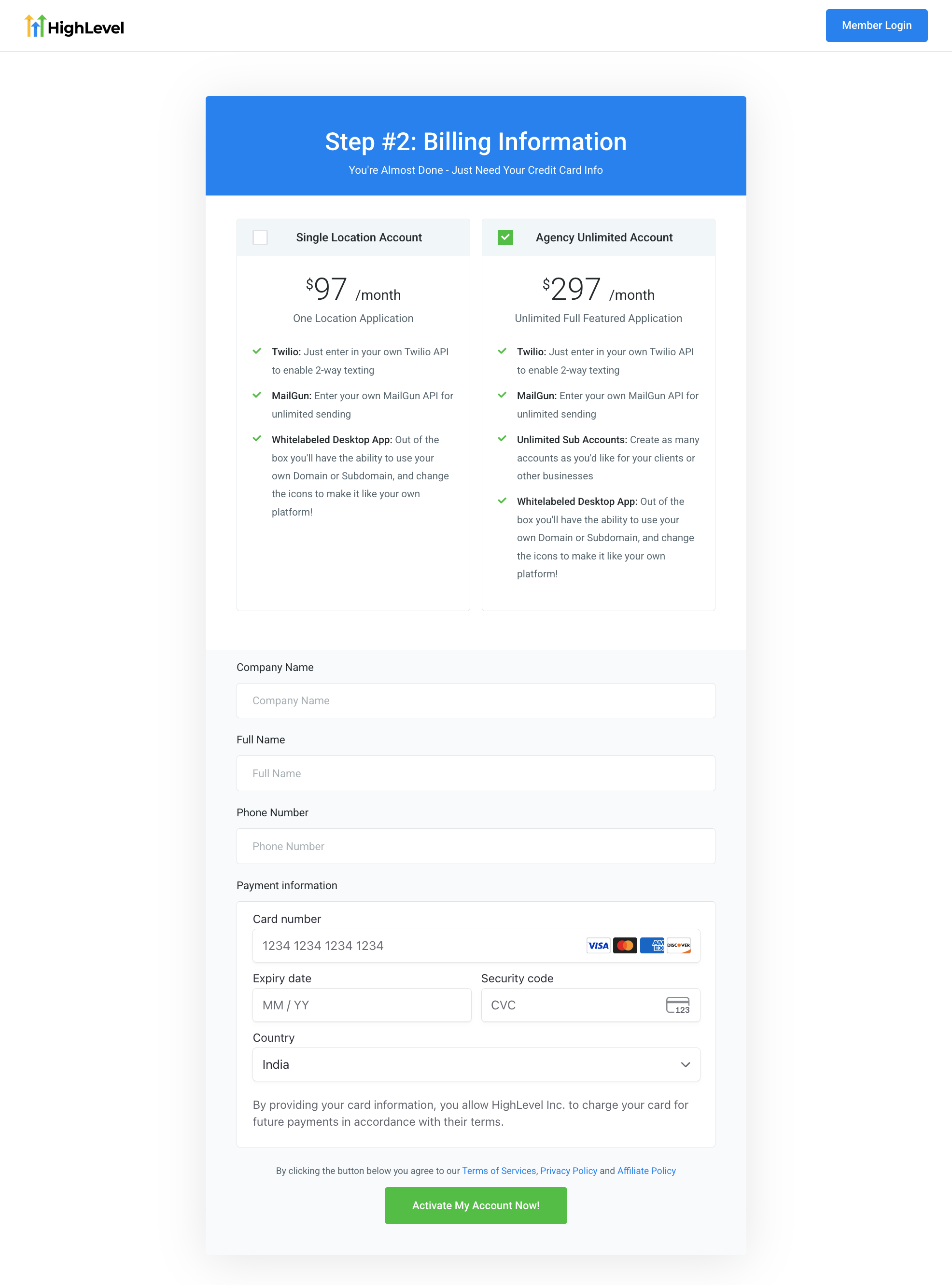
This signup flow is designed to trigger 3DS when required and validate the card verification securely.
What you should see
- A bank-authentication step (OTP/approval) if your card requires 3DS.
- Signup completes after you approve the authentication.
About the $1 authorization
To trigger 3DS when required and verify your card, the signup flow may place a$1 authorizationon your card.
- This isnot a chargefor a plan or subscription.
- It can appear as atemporarypending authorization and should disappear based on your bank’s processing time.
If authentication still fails
- Try again in an up-to-date browser.
- Disable ad blockers for the signup page.
- Allow pop-ups/redirects if your browser blocks the bank authentication page.
- Try another card if your bank declines the verification.
Note:HighLevel is working to bring the same 3DS-supported experience to the main signup flow. Until then, use the signup link above if you experience 3DS-related failures.